Understanding the Insta360 Camera
What is Insta360?
The Insta360 brand has gained recognition for producing cutting-edge cameras that revolutionize the way we capture and share our world. Known for their 360-degree technology, Insta360 cameras allow users to create immersive content that can be viewed in a multitude of ways. With a focus on innovation and user experience, these cameras cater to everyone from casual users to professional filmmakers looking to elevate their creative projects.
Key Features of Insta360 Cameras
Insta360 cameras are packed with features that set them apart from traditional cameras. Here are some of the key functionalities:
- 360-Degree Capture: The hallmark feature is the ability to capture full 360-degree images and videos, immersing viewers in a panoramic world.
- Stabilization Technology: Insta360 incorporates advanced stabilization technology, allowing users to shoot smooth, shake-free footage even in dynamic situations.
- Edit with AI: The built-in editing tools utilize AI to provide smart editing options that simplify the post-production process.
- Live Streaming Capabilities: Users can broadcast their adventures in real-time, making Insta360 ideal for influencers and content creators.
- Versatile Modes: Options such as Bullet Time, Time-Lapse, and Night Shot enable users to get creative with their shooting.
Types of Insta360 Cameras Available
Insta360 offers a diverse range of cameras tailored to various usage scenarios. Popular models include:
- Insta360 ONE X2: Compact and feature-rich, this camera is designed for outdoor adventures and social sharing.
- Insta360 ONE R: A modular camera system that can switch between 360-degree and standard wide-angle shots, perfect for versatility.
- Insta360 GO 2: Ultra-portable and designed for on-the-go shooting, this tiny camera is ideal for vloggers and casual users.
- Insta360 Titan: A professional-grade solution providing 11K 360-degree video, aimed at filmmakers and VR content creators.
Getting Started with Insta360
Unboxing and Initial Setup
When you first unbox your Insta360 camera, you'll find the camera unit, battery, charging cable, and quick start guide. Begin by fully charging the battery before powering on the device. Follow the setup guide to install the companion app on your smartphone, which enhances functionalities and offers seamless connectivity.
Basic Operating Instructions
The basic operation of Insta360 cameras is user-friendly. Most models have a straightforward interface with customizable shooting modes. To capture images or videos, simply press the shutter button. Specific features can be activated through touchscreen controls or the corresponding app, making it intuitive for both beginners and advanced users.
Exploring the Camera Interface
Understanding the camera interface is crucial for optimal use. The touchscreen interface on models like the ONE X2 provides quick access to settings, mode selection, and preview options. Familiarize yourself with menu navigation and settings adjustments for tailored shooting experiences based on your environment and content goals.
Advanced Techniques for Amazing Shots
Shooting in Different Environments
Insta360 cameras excel in various environments, from urban settings to nature. For dynamic urban landscapes, use the stabilization feature to capture smooth shots while moving. In natural settings, consider the lighting changes—golden hour can enhance the vibrancy of your shots. Experimenting with different angles and heights will yield diverse perspectives, captivating your audience.
Editing Your Insta360 Content
Post-production is where the magic happens. The Insta360 app provides powerful editing tools that are user-friendly yet robust. Users can trim clips, add effects, and even apply transitions to enhance storytelling. For more advanced editing, Insta360 also supports software that integrates with professional editing tools, offering creative flexibility.
Utilizing Accessories and Features
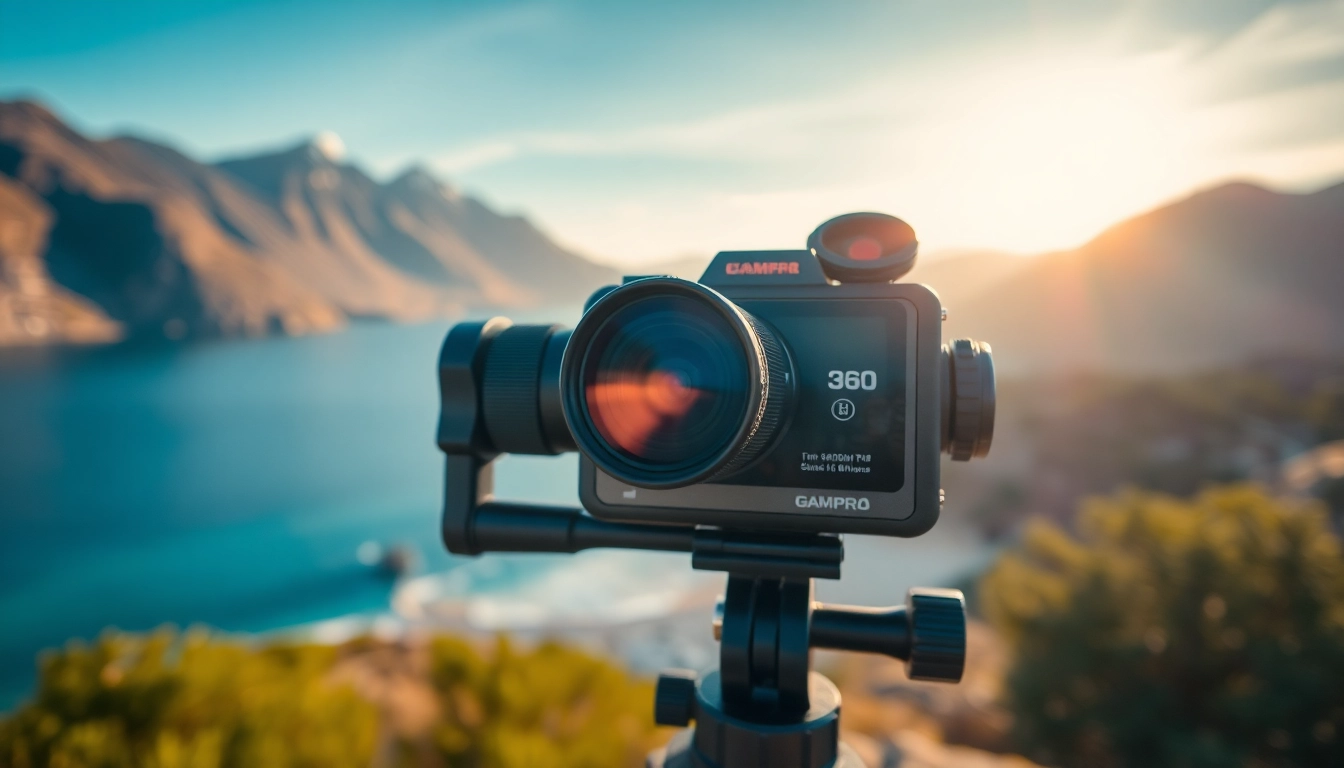
Accessories can elevate your shooting experience. Consider adding mounts, tripods, or lenses tailored for specific functions, such as panoramic shots or ultra-wide perspectives. The use of remotes can facilitate hands-free shooting, and waterproof cases are essential for underwater photography. Explore different accessories to find what best fits your shooting style and needs.
Maximizing the Potential of Your Insta360
Sharing Content on Social Media
Once you've captured stunning content, sharing it is simple thanks to the Insta360 app. Directly publish videos to platforms like Instagram, Facebook, or YouTube. Utilize the app’s built-in social sharing features to enhance visibility, ensuring your audience engages with your immersive content.
Engaging with the Insta360 Community
The Insta360 community is a rich resource for inspiration and support. Engaging with fellow users on forums or social media can provide valuable insights and creative ideas. Participate in challenges or collaborate with others to expand your skill set and push creative boundaries.
Tips for Professional Use
For professionals, ensure you are well-versed in the features of your specific Insta360 model. Invest time in mastering editing techniques and consider using external microphones for enhanced audio quality. Furthermore, create a consistent style for your content to standardize quality and increase brand recognition.
Common Challenges and Troubleshooting
Battery Life Management
Battery life can be a concern during extensive shooting. To extend battery usage, lower video resolution and turn off unnecessary features such as Wi-Fi when not in use. Carrying extra batteries or a portable charger can also ensure your creativity isn’t hampered during long sessions.
Dealing with Editing Software Issues
While editing your content, software-related issues may arise. Ensure your editing app is up-to-date and compatible with your hardware. If crashes occur, routinely save your work and consider exporting segments separately to reduce processing power. Utilize forums for troubleshooting or contact customer support when issues persist.
Lens Care and Maintenance Tips
Proper care of your Insta360 camera ensures longevity. Always clean the lens with a microfiber cloth to avoid scratches while minimizing smudges. Store the camera in a protective case when not in use, and avoid exposing it to extreme conditions without proper housing, especially for underwater or outdoor shooting.
FAQs
1. What makes Insta360 different from traditional cameras?
Insta360 cameras offer 360-degree capture, allowing immersive content creation that traditional cameras can't achieve. They're also equipped with AI editing tools and stabilization technology, making shooting and editing easier.
2. Can I use Insta360 cameras for live streaming?
Yes! Many Insta360 models support live streaming, allowing users to broadcast their experiences in real-time across various platforms, facilitating real-time interactions.
3. Are there compatibility issues with the Insta360 app?
Compatibility typically depends on your device's operating system. Ensure you download the latest version of the app for smooth connectivity and access to features.
4. How can I extend the battery life of my Insta360 camera?
To extend battery life, lower shooting resolution, disable Wi-Fi, and avoid excessive use of features during shooting sessions. Carrying extra batteries is also recommended for prolonged shoots.
5. What accessories are recommended for Insta360 cameras?
Recommended accessories include tripods, mounts, external microphones for better audio, and waterproof cases for underwater photography. Each accessory enhances functionality and shooting versatility.